Codes
Slime Studio Roblox codes hub: claim the like-and-join free reward, learn how typed promos will work, and watch for official drops.
View all CodesRoblox codes, recipes, tier lists, and ASMR slime guides.
Unofficial Slime Studio Roblox wiki for codes, ingredient tiers, unlock paths, shop tips, and ASMR mixing guides.
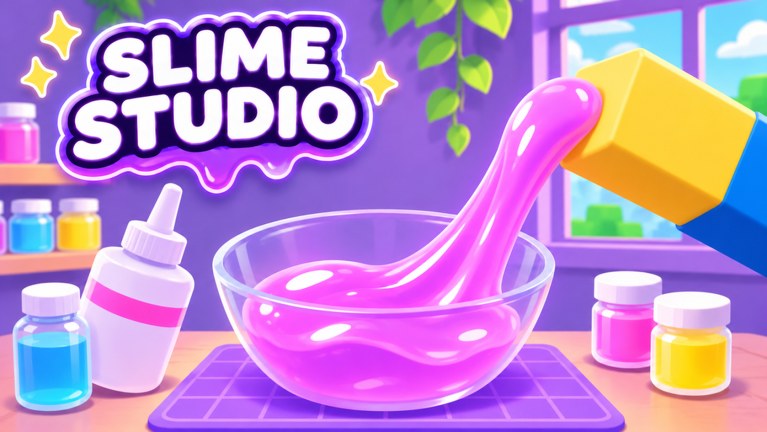
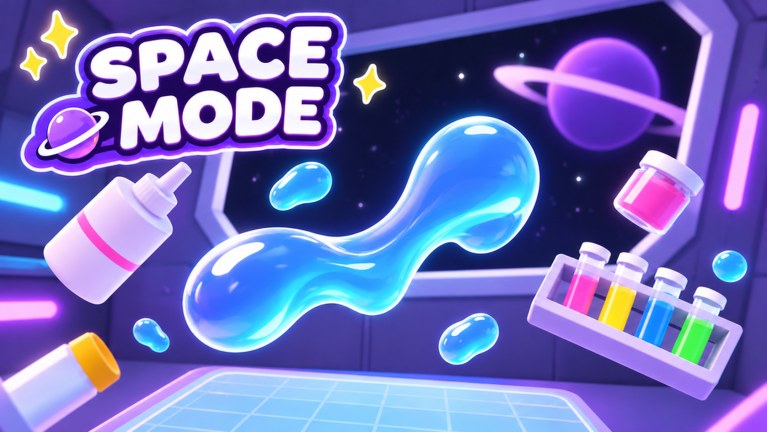
Slime Studio is a free Roblox ASMR sandbox from Sunset Community Studio where you mix, stretch, and squish custom slimes with colours, textures, and ingredients. Turn up the volume, unlock new tools in the shop, and claim the free reward by liking the game and joining the group. Start with the Getting Started guide, redeem codes, compare the ingredient tier list, and track updates.
Slime Studio Roblox codes hub: claim the like-and-join free reward, learn how typed promos will work, and watch for official drops.
View all CodesSlime Studio guides hub for getting started, slime mixing, controls, ingredient unlocks, and shop tips in the Roblox ASMR sandbox.
View all GuidesSlime Studio tier list hub ranking ingredients, textures, and tools so you know exactly what to unlock first in the Roblox ASMR sandbox.
View all Tier ListSlime Studio players hub covering 8-player co-op tips, session etiquette, and community links across the Roblox ASMR slime sandbox.
View all PlayersSlime Studio updates hub covering patch cadence, where official notes appear, and how to track new ingredients, tools, and events.
View all UpdatesSlime Studio scripts hub: safety rules first, the features players actually search for, and why we refuse fake working loadstrings.
View all ScriptsOfficial Slime Studio links hub with the Roblox game page, Sunset Community Studio group, and trusted wiki destinations in one place.
View all LinksOpen [Slime Studio on Roblox](https://www.roblox.com/games/119941017334024/Slime-Studio), like the experience, and join Sunset Community Studio for the free reward, then follow Getting Started.
Turn up volume with ASMR tips, practice mix-stretch-squish in how to make slime, try color recipes, and keep controls nearby.
Visit the codes hub and how to redeem page, then plan early unlocks with unlock ingredients and the shop guide.
Compare community picks on the ingredient tier list and textures and tools before spending progress on the shop.
If you explore executors, read script safety first, then skim the scripts hub for feature categories players request.
Track patch notes, the updates hub, co-op etiquette, and community links so new ingredients and codes do not surprise you.
Quick answers to the most common questions.
Slime Studio is a free ASMR slime sandbox by Sunset Community Studio where you mix colours, textures, and ingredients, unlock tools, and create satisfying squishy slimes with friends (up to 8 players).
Read the Getting Started guide, claim the like-and-join group reward, then practice mixing with How to Make Slime and check codes.
Typed promo codes are still scarce on this new title. The confirmed free path is liking the game and joining Sunset Community Studio. Watch the codes hub and how to redeem whenever drops appear.
This wiki supports: English, Français, Deutsch, Español, Português (BR). Configure locales in site.meta.json and run npm run generate:i18n.
No. This is an unofficial fan resource. Always confirm rewards and patch details through the Roblox game page and Sunset Community Studio group.
Use the Tier List hub plus the ingredients and textures and tools pages for community-style S through C rankings focused on satisfying mixes.
From first mixes to ingredient unlocks and shop priorities, this wiki covers the full Slime Studio loop. Start with the beginner guide or jump into codes and the tier list.
Start with the beginner guide