Slime Studio Updates
Patch tracking for a brand-new Roblox ASMR slime sandbox.
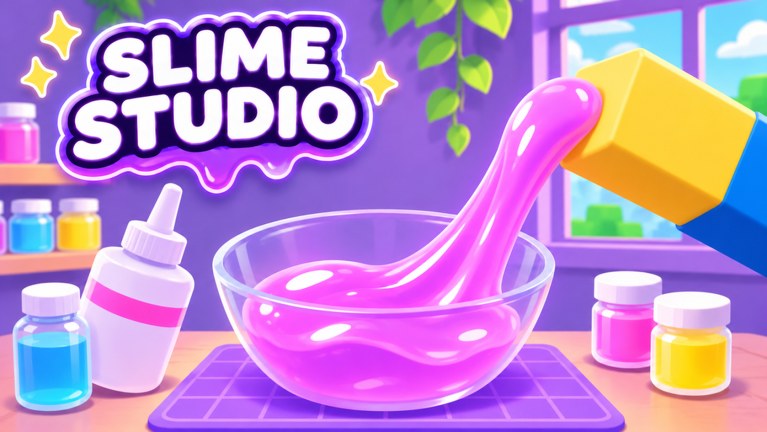
The Updates Hub tracks what changes in Slime Studio after each meaningful drop from Sunset Community Studio. The experience launched on 1 November 2026 as a free-to-play Roblox simulation / physics ASMR sandbox. Early life-cycle games ship quickly: new ingredients, tool tweaks, shop packs, sound passes, and co-op fixes can land without a long Steam-style patch essay. This hub explains how we chronicle those changes and where to read the detail.
Why patch tracking matters here
Slime Studio’s loop — mix, stretch, squish, unlock, shop — means a single balance tweak can invalidate yesterday’s advice. An ingredient that felt S-tier on the Ingredients Tier List might soft-nerf after a viscosity change. A shop bundle praised in the Shop Guide might rotate out. Scripts summarised on the Scripts Hub break constantly after UI moves. Keeping an Updates habit protects your time.
Where official notes appear
Watch these channels in order:
- In-game banners / changelog UI after you load a server
- Sunset Community Studio group shout (group id
13268069) - Studio Discord when linked from the group or game description
- Roblox experience description and thumbnail refreshes that hint at new features
- This wiki’s Patch Notes page once we mirror confirmed changes
We prefer primary sources. Rumour TikToks are optional flavour, not citation.
What we log on Patch Notes
The Patch Notes child page is the running ledger. Expect entries to call out:
- New or reworked ingredients and how they affect How to Make Slime
- Tool and texture changes that touch the Textures & Tools Tier List
- Shop price or pack rotations
- Co-op fixes (remember: max 8 players online)
- ASMR / audio passes that change the feel of stretch and squish
- Code drops or group reward changes that belong on the Codes Hub
- Bug fixes that unblock Controls or unlock gates in Unlock Ingredients
Minor typo hotfixes may be batched. Major systems get their own dated section.
Suggested player routine after every update
- Skim Patch Notes for anything that touches your current unlock path.
- Rejoin the experience once so new assets and rewards can grant.
- Recheck like-and-join status on Codes if the group reward changed.
- Adjust shopping plans with the Shop Guide.
- If you use third-party tools, assume they are broken until proven otherwise — see Script Safety.
Launch context and growth signals
As of 22 November 2026 the experience showed a same-day Roblox updated stamp with roughly 850k+ visits, thousands of concurrent players at peaks, ~7.8k favorites, votes near 2343 / 524, and the studio group past 70k members. Those numbers move; they mainly signal that Sunset Community Studio has enough live players to justify frequent live-ops. High concurrency also means patch days can feel crowded — hop servers if a studio is packed while you test new toys. Details land on Patch Notes.
Related pages
- Patch Notes — dated change log
- Guides Hub — refresh tutorials after systems shift
- Tier List Hub — re-rank when balance moves
- Codes Hub — event and milestone reward drops
- Links Hub — official game and group destinations
- Community — where players discuss changes in real time
Bookmark this hub, but make Patch Notes your first click whenever the thumbnail or group shout screams “NEW.” Staying current is half the fun of a sandbox that still invents itself in public.
Frequently Asked Questions
Quick answers to the most common questions.
Where are the detailed patch notes?
Open the Patch Notes page under this hub. We mirror confirmed changes from Sunset Community Studio announcements and in-game notices.
How often does Slime Studio update?
Cadence varies. New Roblox sandboxes often ship frequent live-ops early. Check the group shout and this hub after any thumbnail or description change.
Do updates break scripts?
Often yes. UI and value changes invalidate executors quickly. Read Script Safety and assume old pastes are stale after every meaningful patch.
Should I rejoin after an update?
Yes. Rejoining forces a fresh session so new assets, shop rows, and group rewards can appear correctly.
Where else should I look for official news?
Sunset Community Studio group shout, any linked Discord, in-game banners, and the Links Hub for the official Roblox experience page.